
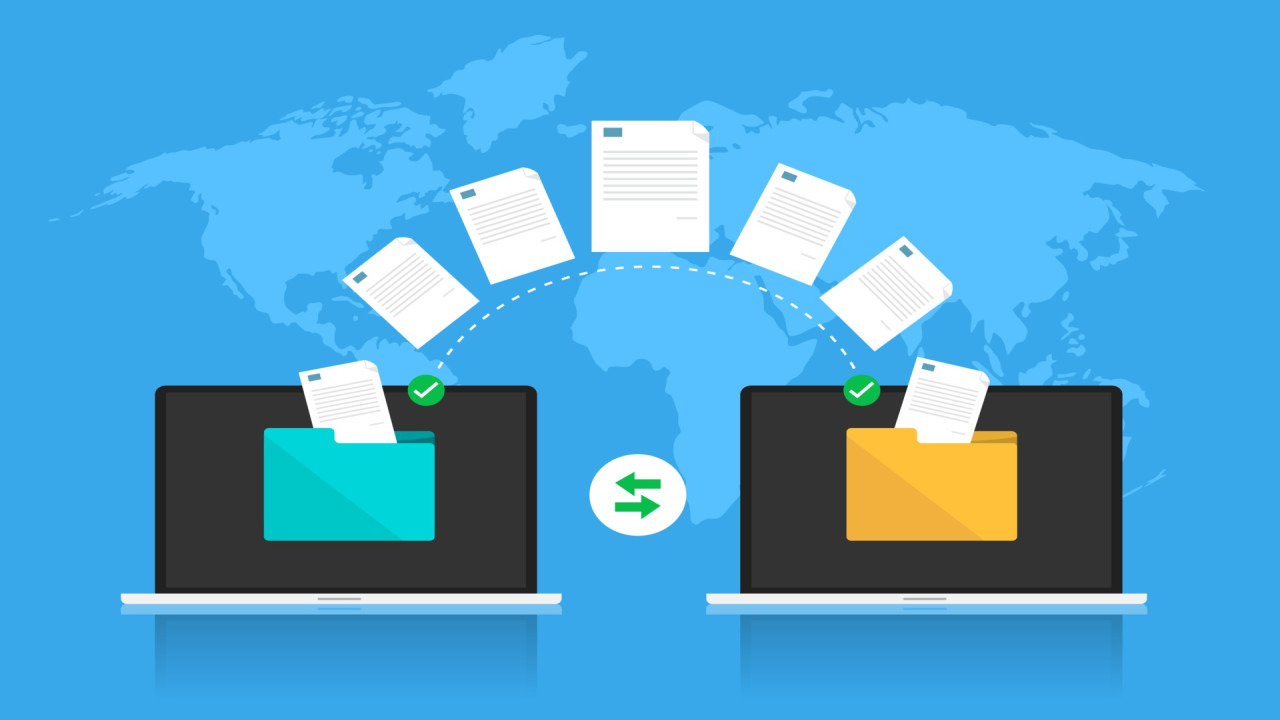
Sharing multiple files individually can be tedious. Omnisend.pro simplifies bulk file sharing:
Steps to Upload Multiple Files:
-
Select all the files you want to share.
-
Upload them together in one batch.
-
Generate a single download link or send directly via email.
This feature saves time, reduces errors, and ensures that all files are delivered to recipients together. It’s ideal for businesses, project teams, and anyone sharing multiple documents or media files online.



Comments (0)